
Guide · Taking part
Swipe through a swipey
A swipey is a run of pictures you judge one at a time, left or right. The post says what left and right mean — then you see how your picks compare with everyone's.
A swipey is a set of pictures with one question — “Would you wear this?”, “Which one is nicer?” — and two answers, one for left and one for right.
Steps
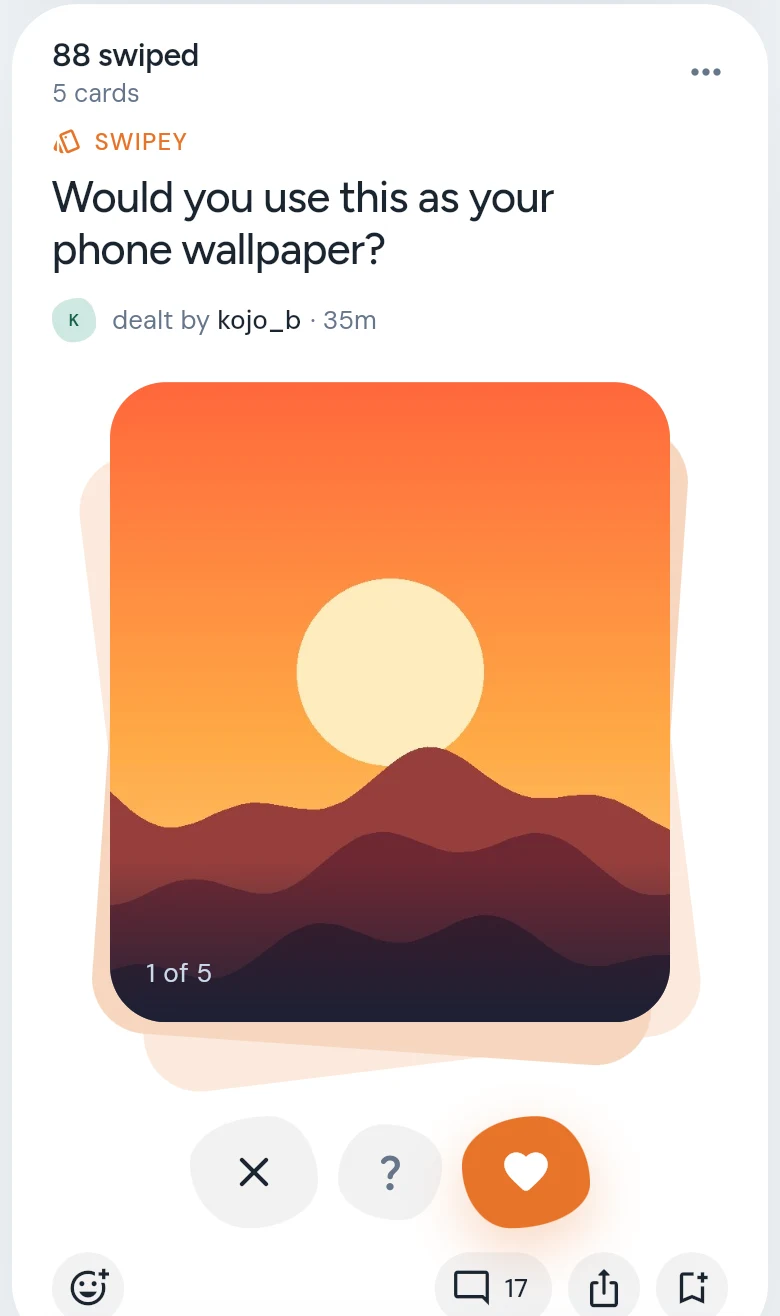
- Read the question. The buttons under the pictures say what each way means — NOPE, NOT SURE and YES, for example.
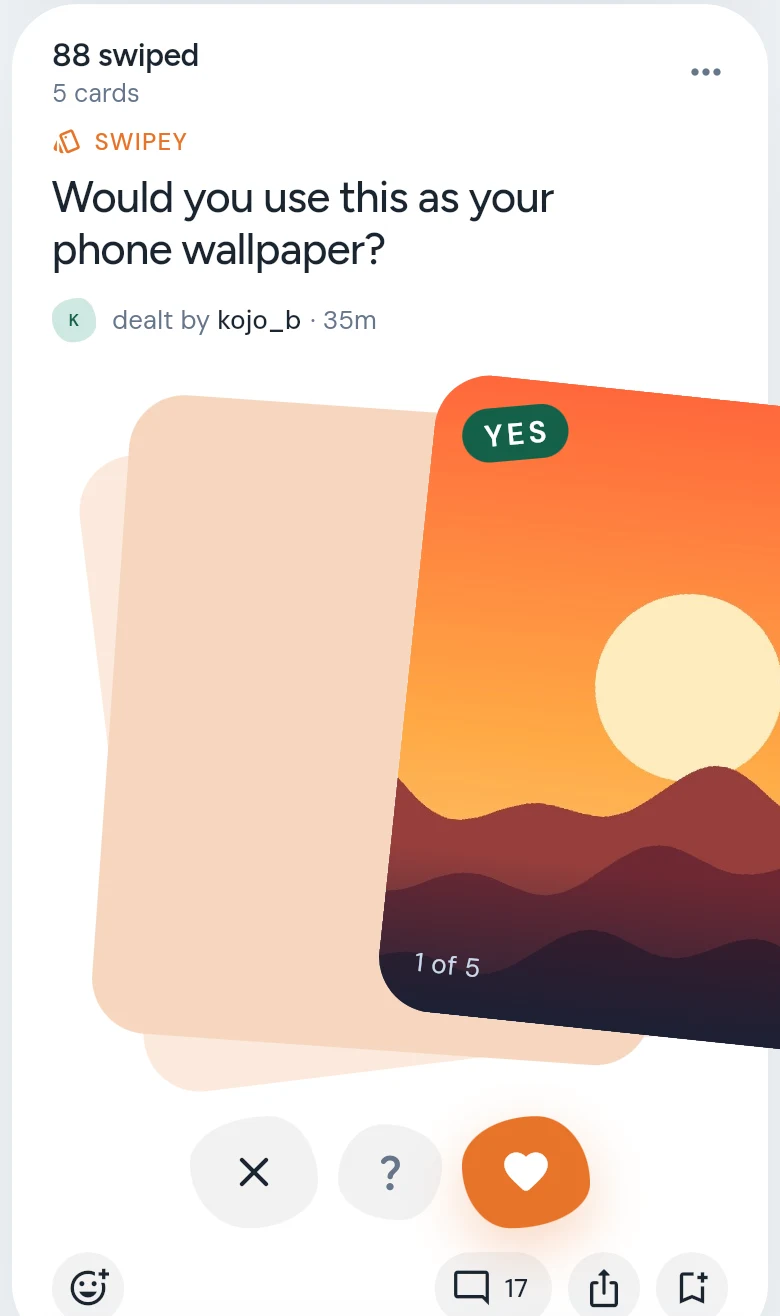
- Swipe the top picture left or right, or up for not sure — or tap the buttons. The next picture comes up.
- Want a closer look? Tap the picture to see it whole, then swipe.
- Picked the wrong way? Tap undo, beside the buttons, to take back your last pick.
- At the end, you see Your picks, against the Yard’s — picture by picture, and how many you agreed on.
Good to know
- Each picture counts your answer once. If you change it, the old answer comes off before the new one goes on.
- Tap Again at the end to go through the pictures once more.
- Want to make one? Post two or more pictures and choose SWIPE THEM. See Make a post.