
News
Also new: games as picture cards, bench privacy in one place, and a new reply bar
Every game now has its own picture card with one button, games show up as a row on HOME, bench privacy has its own button, and replying to a post has a + for photos, GIFs and audio.
A few changes that went live over the weekend.
Every game is a picture card
On GAMES, each game is now a tall card with its picture, one white button, and its name with ⋯ beside it. The button is the quickest way in, like Try it or Play for a solo game, or Yard battle for Troll War. Tap ⋯ for what the game is and the other ways in, like With friends or See its hall.
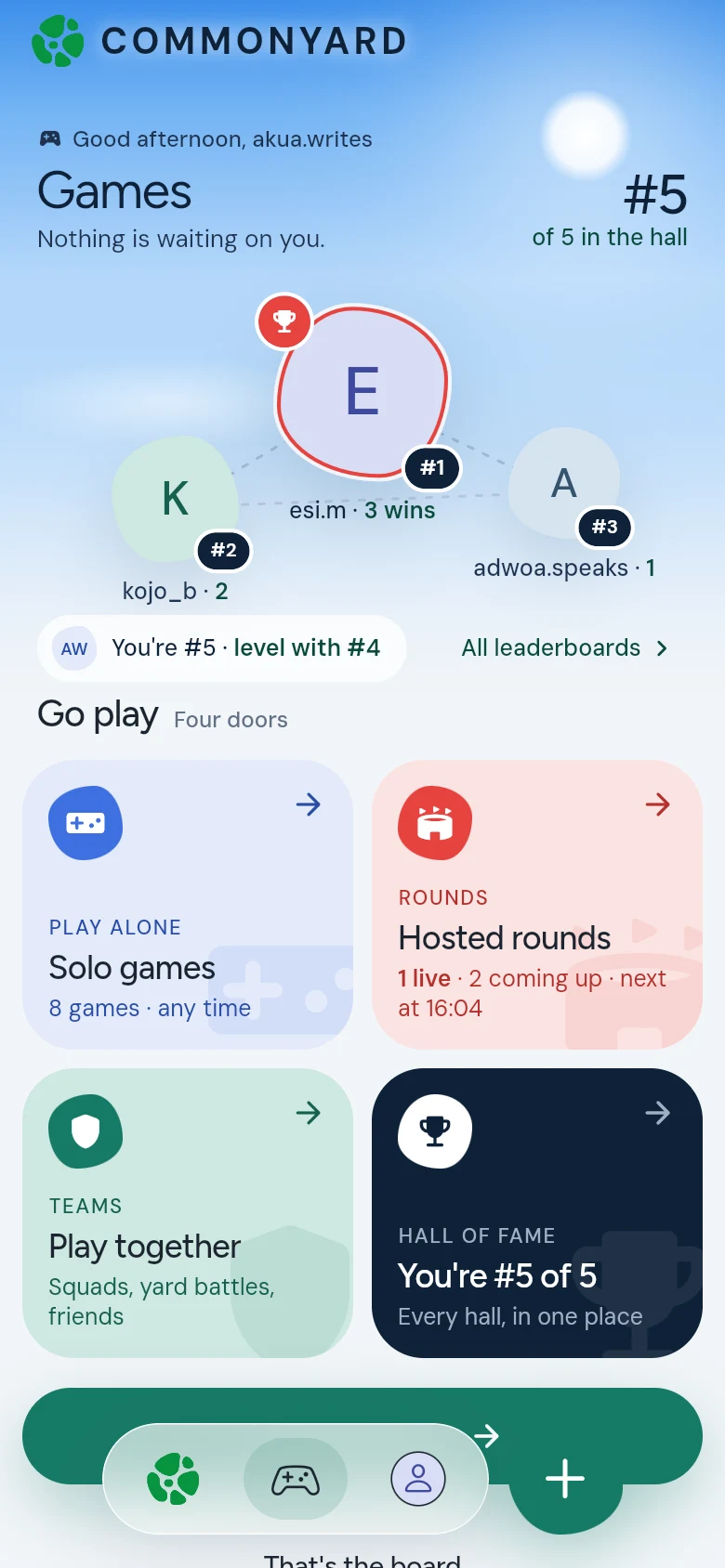
To see everything on a shelf, tap the shelf’s name, like Solo games ›. See Play games on CommonYard.
Games on HOME
As you scroll HOME, a row headed Games › shows a few games to play now or host for your friends. Swipe it sideways. All games at the end opens the games page.
Bench privacy has its own button
On BENCHES, Privacy sits next to New message at the top. It opens Chat privacy, with the Show when I have read switch. On the whole Yard the two doors now read Yards and Private. Inside a yard there is one list: the yard’s bench first, then your private benches. See Talk on your yard’s bench.
Replying to a post
The reply box under a post has a green + on the left. Tap it for Photo, GIF and Audio. The button on the right records a voice note, and turns into Send once you type. See React and reply.
Notifications
If you haven’t said yes to notifications, CommonYard now asks a few seconds after HOME opens: Hear what happens in CommonYard? It still asks at most once a week, and never during a game. See Turn on notifications.