
News
Also new: games sorted by who you play against, a yard in three steps, and a practice feed for newcomers
GAMES now has shelves for Solo, 1 v 1, Team v team, Yard v yard and Everyone plays, making a yard takes three quick steps, and new members can try everything before HOME opens.
A few changes that went live over the last day.
Games, sorted by who you play against
On GAMES, the shelves now say who you play against:
- Solo — just you, any time.
- 1 v 1 — you against one person.
- Team v team — your team against theirs.
- Yard v yard — your yard against another.
- Everyone plays — one host, everyone joins.
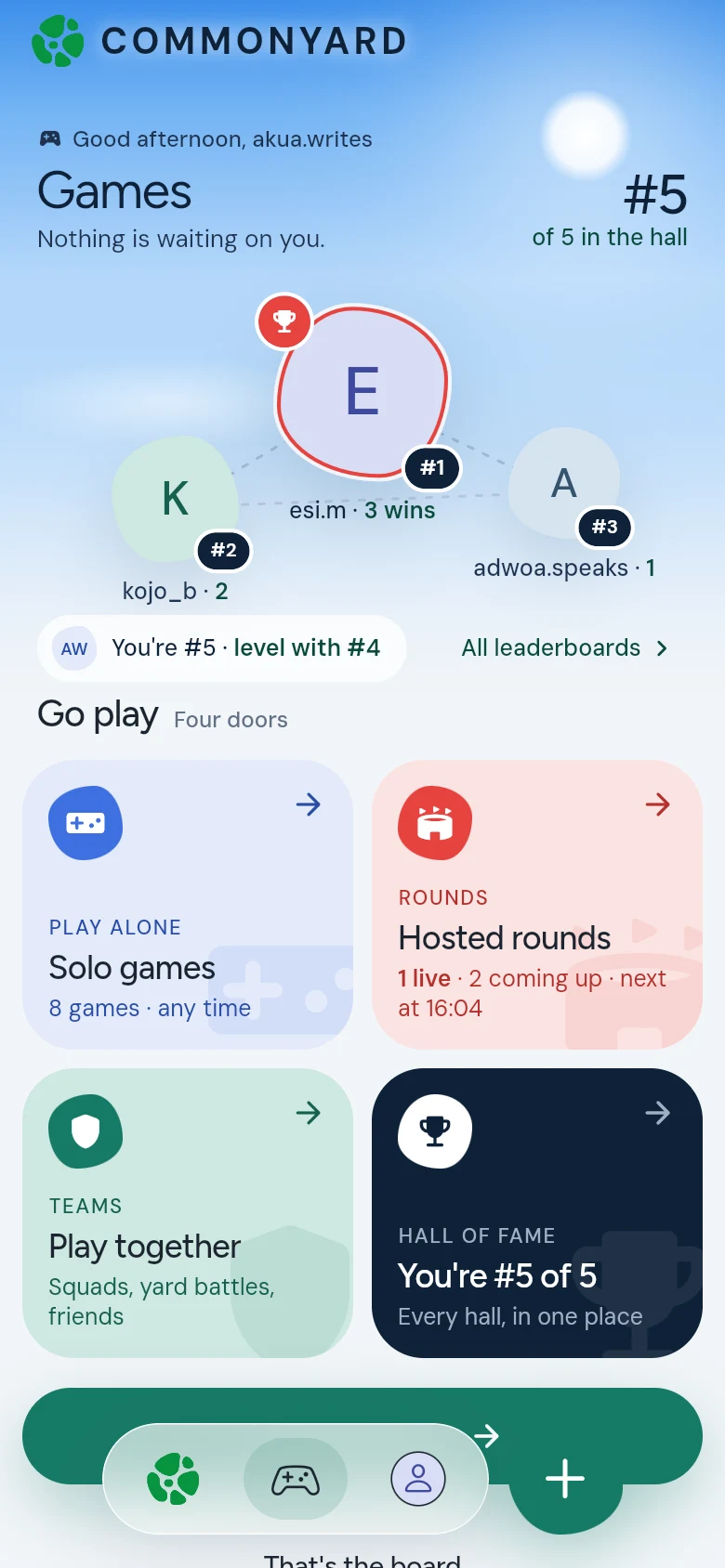
A game you can play more than one way is on each shelf it fits. Troll War, for example, is under Team v team with friends and under Yard v yard as a yard battle. Rounds people are hosting show at the top under Live now, while there are some. The shortcuts near the top jump to each shelf.
Make a yard in three steps
Making a yard is now three quick steps: Name + picture, Who it’s for, and Share the link. The first time you tap Start a yard, a page shows what a yard is in a few pictures. Tap Make my yard to begin. As you fill it in, your yard takes shape at the top of the page.
See Make a yard.
Try it before HOME opens
The welcome tour for new people now ends with Try it: a practice feed with a post, a poll, a side, a deck to swipe, a petition and a game. Tap and see what each one does. Nothing is saved. Then a short walk on HOME circles Benches, Games, the +, Profile, your yards and the bell, one at a time.
See Get started on CommonYard.
Clips show whole
A clip that isn’t shaped like a phone screen, like a square or wide video, now shows whole in the middle, so its edges aren’t cut off. A tall phone video still fills the screen.
See Watch clips.