
Guide · Posting
Edit or take down your post
Change the words of your post, or take it down, from its three-dot menu or from What you made. Here's what can and can't be changed.
Steps
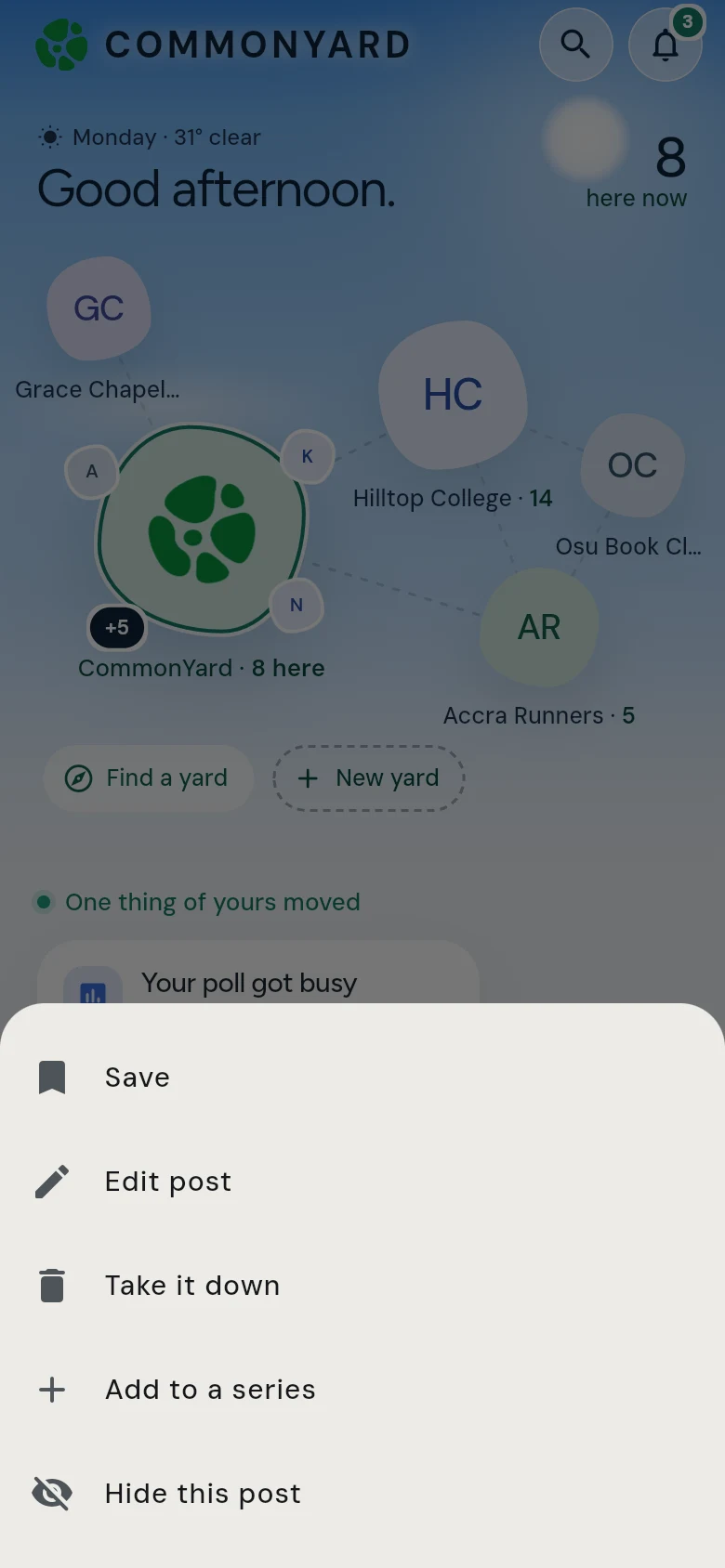
- Find your post and tap its three dots (•••). Or tap YOU, then What you made, where everything you posted is in one list.
- Tap Edit post to change it, or Take it down to remove it.
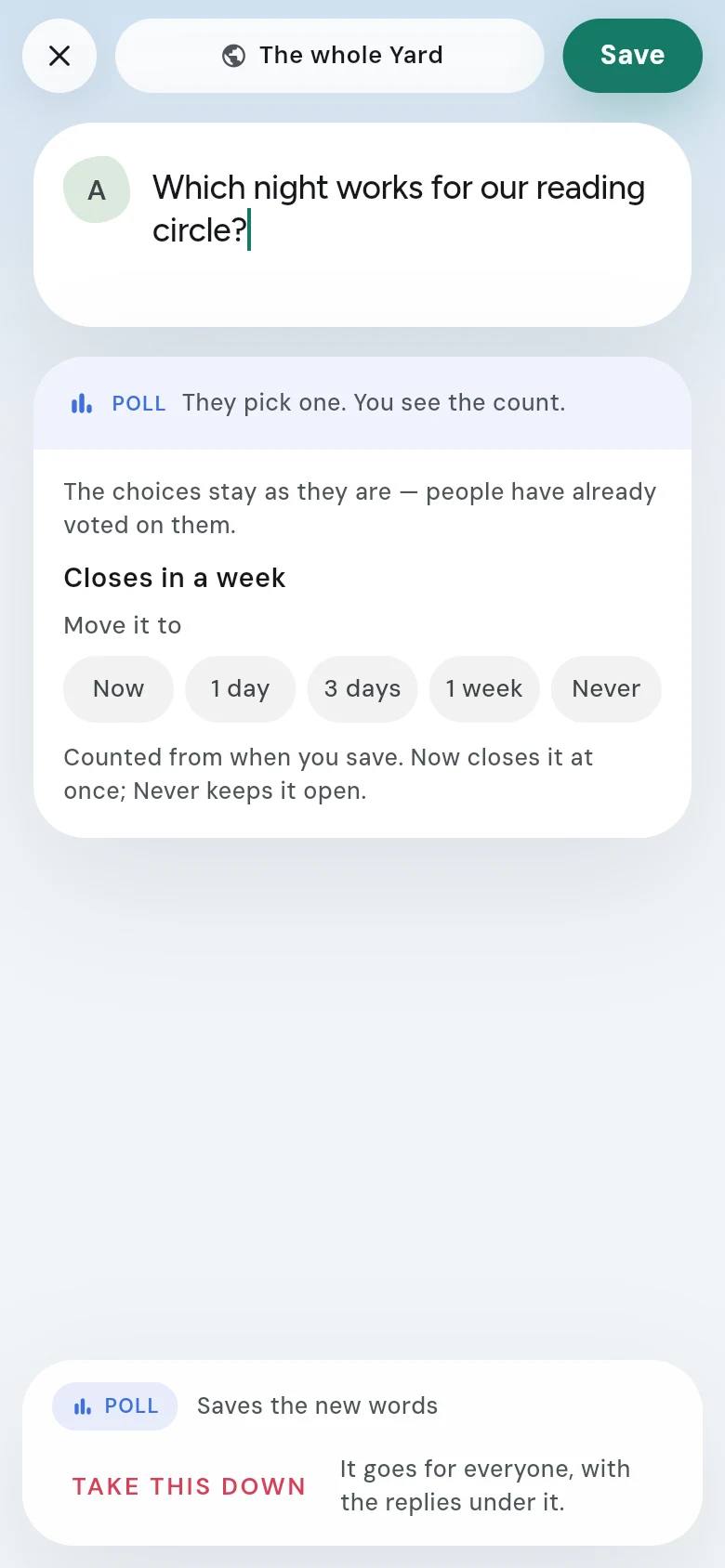
- For an edit, change what you need and tap Save.
What you can change
- The words of your post.
- For a poll: when it closes, under Move it to — now, 1 day, 3 days, 1 week or never.
- For a petition: who has to act, and how many names it aims for.
What you can’t change
- A poll’s choices, or the sides of an opinion — people have already picked them.
- The pictures or the video.
- Where it was posted. An edit can’t move a post to a different yard.
- Whether it’s anonymous.
If one of those is wrong, take the post down and make it again.
Taking a post down
Take it down asks you first. A post that is taken down goes from the yard for everyone, with the replies under it, and it can’t be brought back.
Also in the menu
Add to a series puts the post into one of your series as its next part. See Post a series.