
Guide · Posting
Start a petition
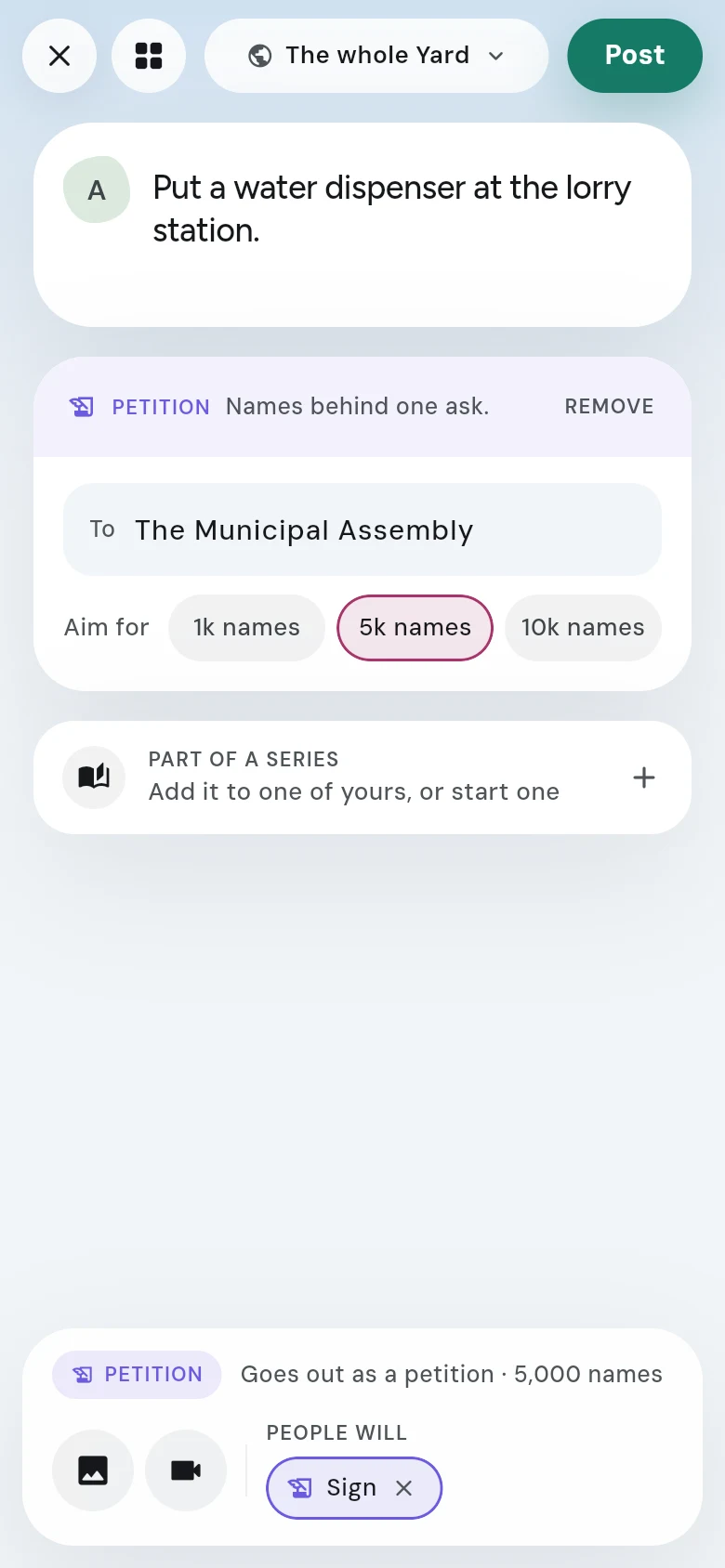
Write what should change, say who has to act, pick how many names you're aiming for, and let people sign by pressing and holding.
Steps
- Tap the round + at the bottom of the screen.
- Write what should change, in a line or two. Add a picture if it helps.
- Under ASK PEOPLE TO, tap Sign.
- In the To box, say who has to act — an office, a school, a company, an assembly. A petition with nobody to answer it never gets answered.
- Under Aim for, pick how many names you want: 1k names, 5k names or 10k names. 5k is picked for you.
- Check the line at the bottom and where it goes, at the top, then tap Post.
What signers see
People pick Agree or Disagree, then press and hold to sign. Everyone can see how many signed and how the sides split. Nobody can see who signed. See Sign a petition.
Good to know
- After you post, you can still change the words, who has to act and the number you’re aiming for, from Edit post. Names already on it stay on it.